 CheddarCheck
How CheddarCheck works
Everything the app does, top to bottom — from booking your first session to getting paid.
Getting started
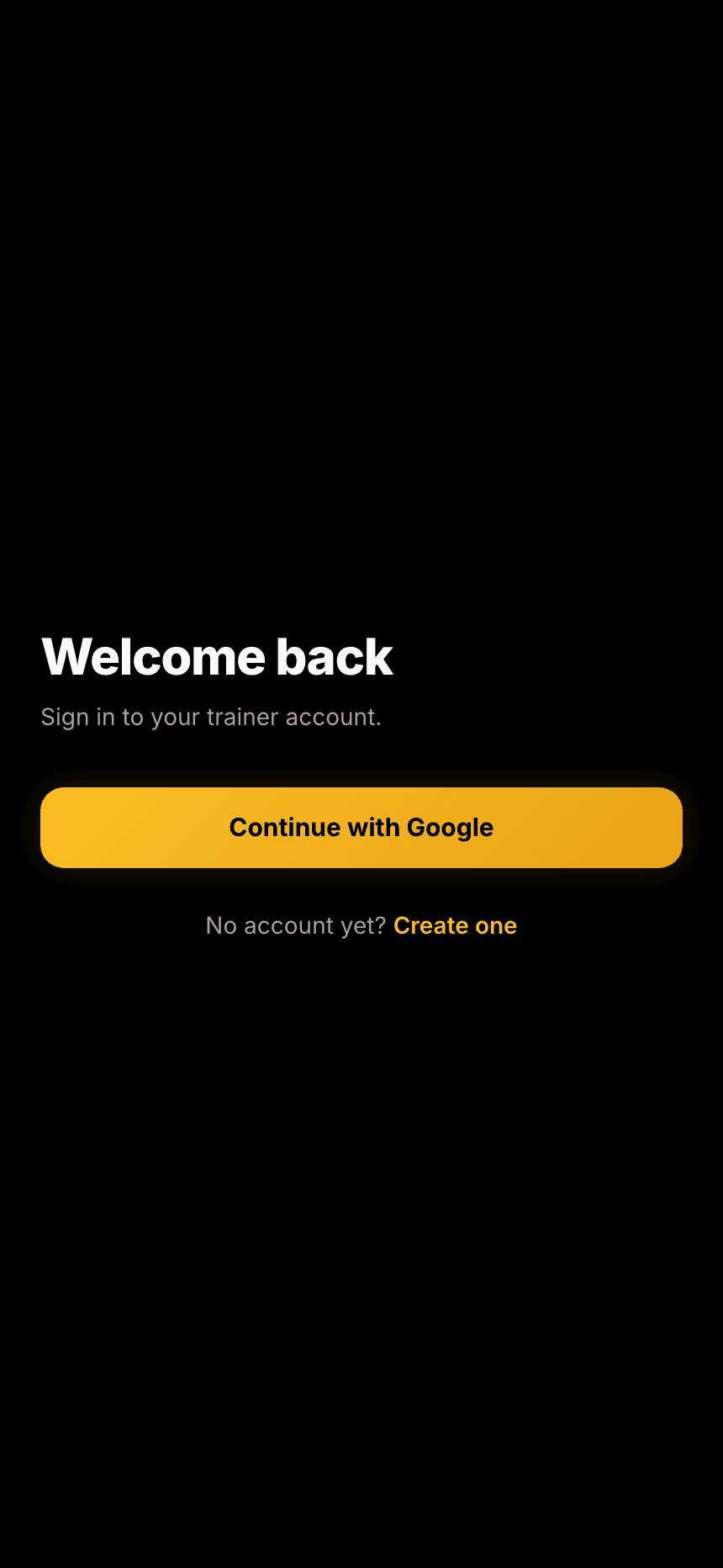
Sign in with Google — there's nothing to install and no password to remember. A short setup wizard covers the essentials, then you're straight into your day.
- Set your name, business name and currency (your money math always follows your own timezone, detected automatically).
- Starter session templates — Solo, Duo, Group — are created for you, ready to edit.
- Add your first client on the way in, or skip everything and set up later.
Booking a session
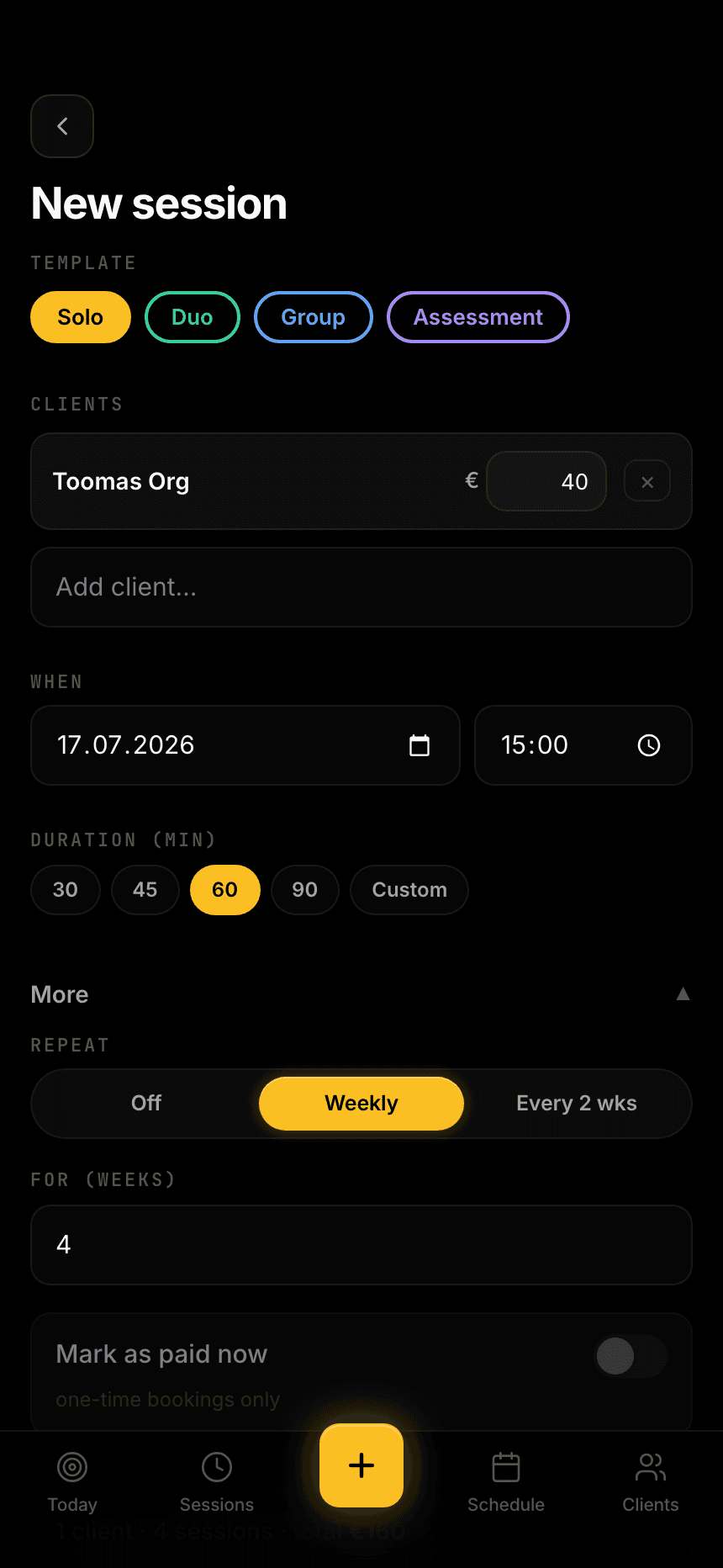
Tap the gold + button from any screen. Pick a template, add a client — or several for a group — and choose a time. Template chips pre-fill the price and duration.
- Make it recurring (weekly or every two weeks) and the whole series is created at once.
- Any clash with an existing session is flagged before you confirm — deliberate overlaps are still allowed.
- Group sessions track each member's payment separately, with a per-client price you can tweak.
Sessions vs Schedule — two views, two jobs
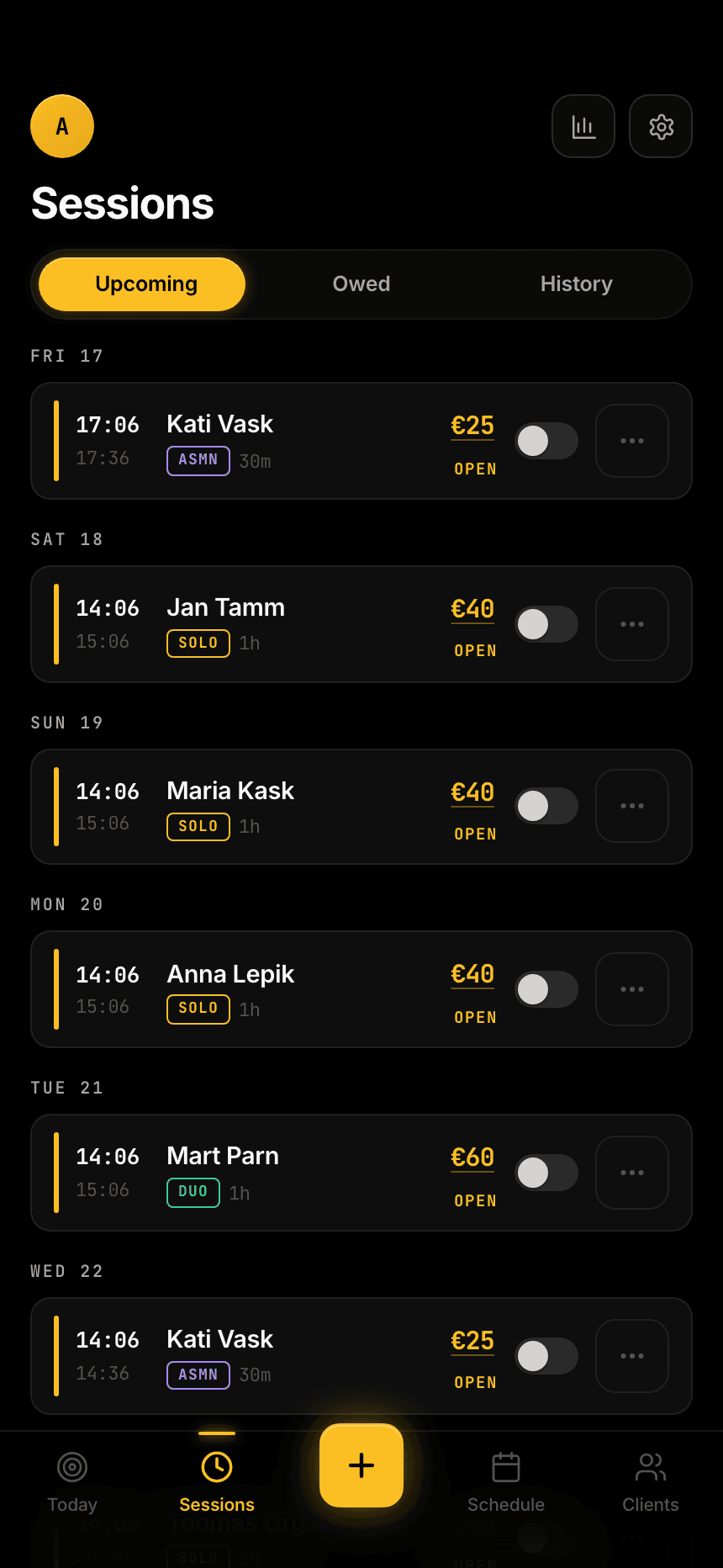
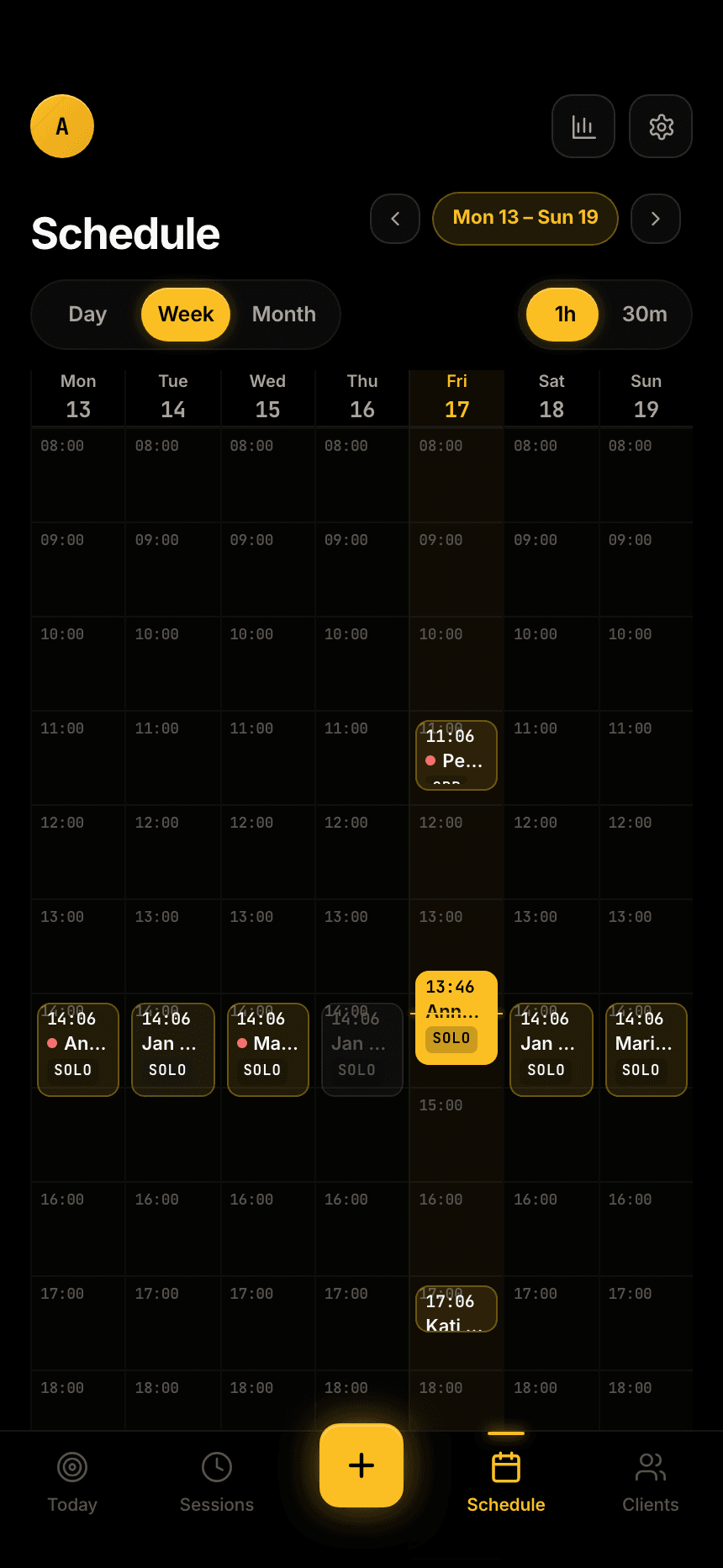
These are deliberately separate. Sessions is the money-and-status lens; Schedule is the find-a-slot lens.
- Sessions — Owed, Upcoming and History tabs: every session as a row with who, what, and paid / unpaid at a glance.
- Schedule — a week grid where every empty cell shows its hour, so a free slot is easy to spot. Month view for the long range.
Clients & the balance wallet
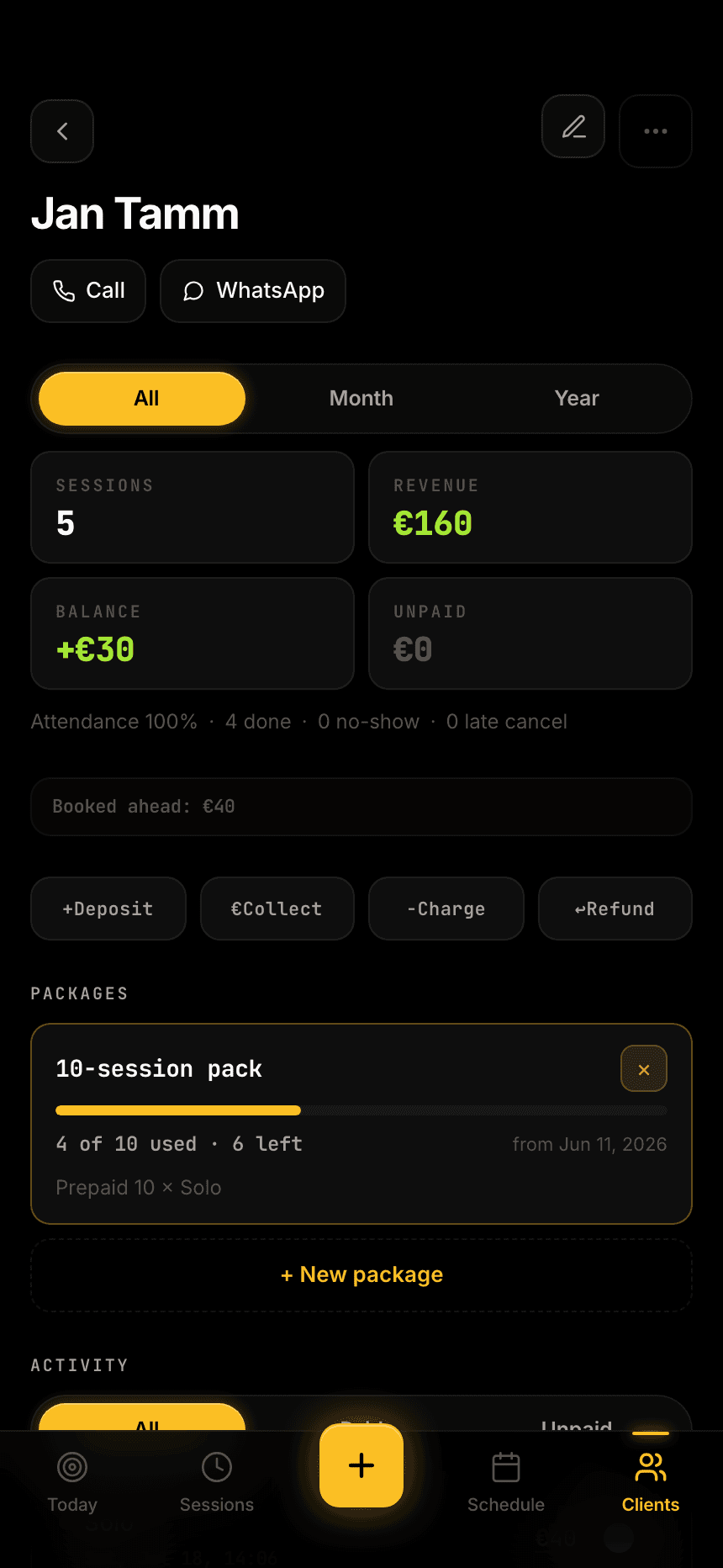
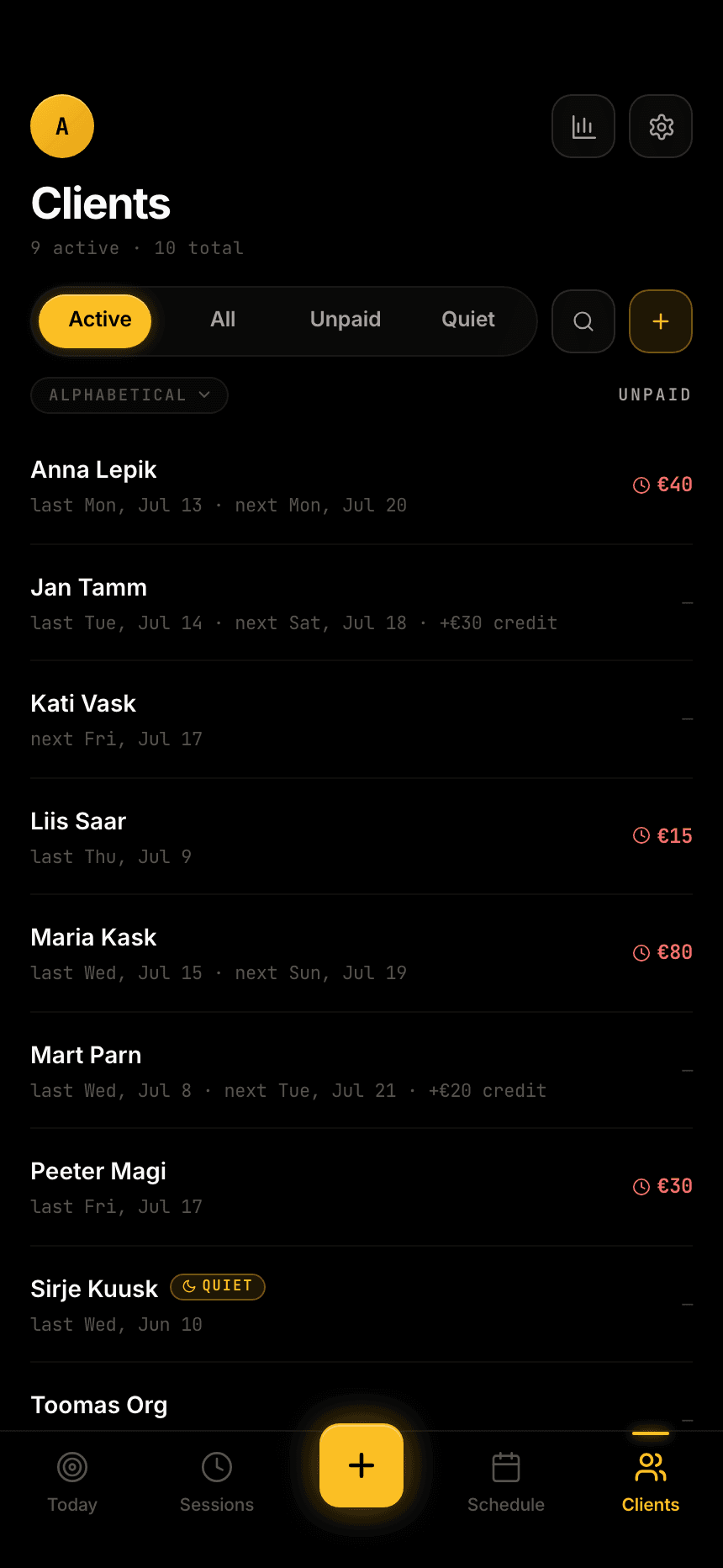
Your roster is clean — name and balance, no avatars. Every client has one signed wallet: positive is credit they hold with you, negative is debt.
- Prepaid packs count sessions exactly — add a 10-session pack and each delivered session ticks it down, while the payment itself lands on the wallet as credit.
- Owed — what they still need to pay for sessions already delivered, kept apart from future bookings.
- Every credit, charge and adjustment lands in a bank-statement ledger, so any balance can be traced to the cent.
Getting paid
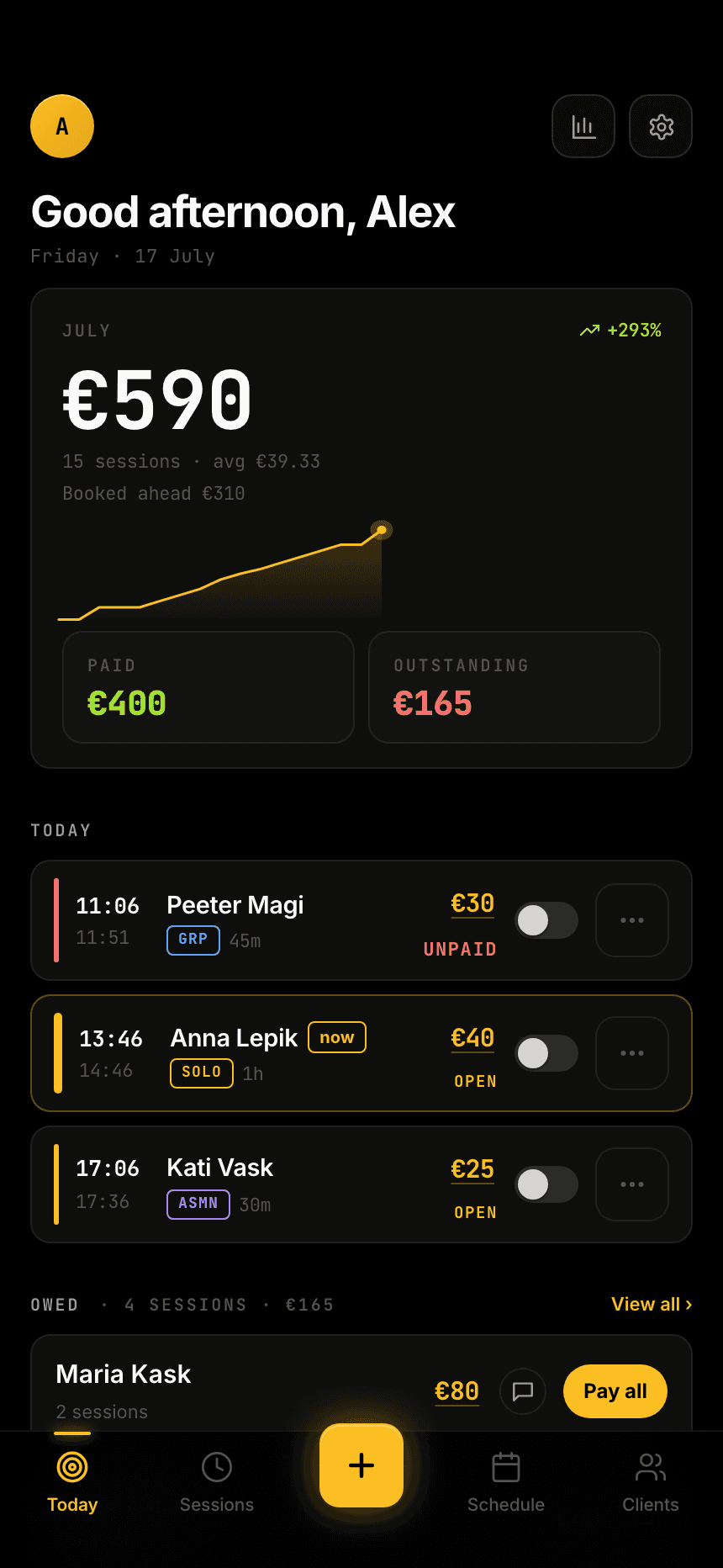
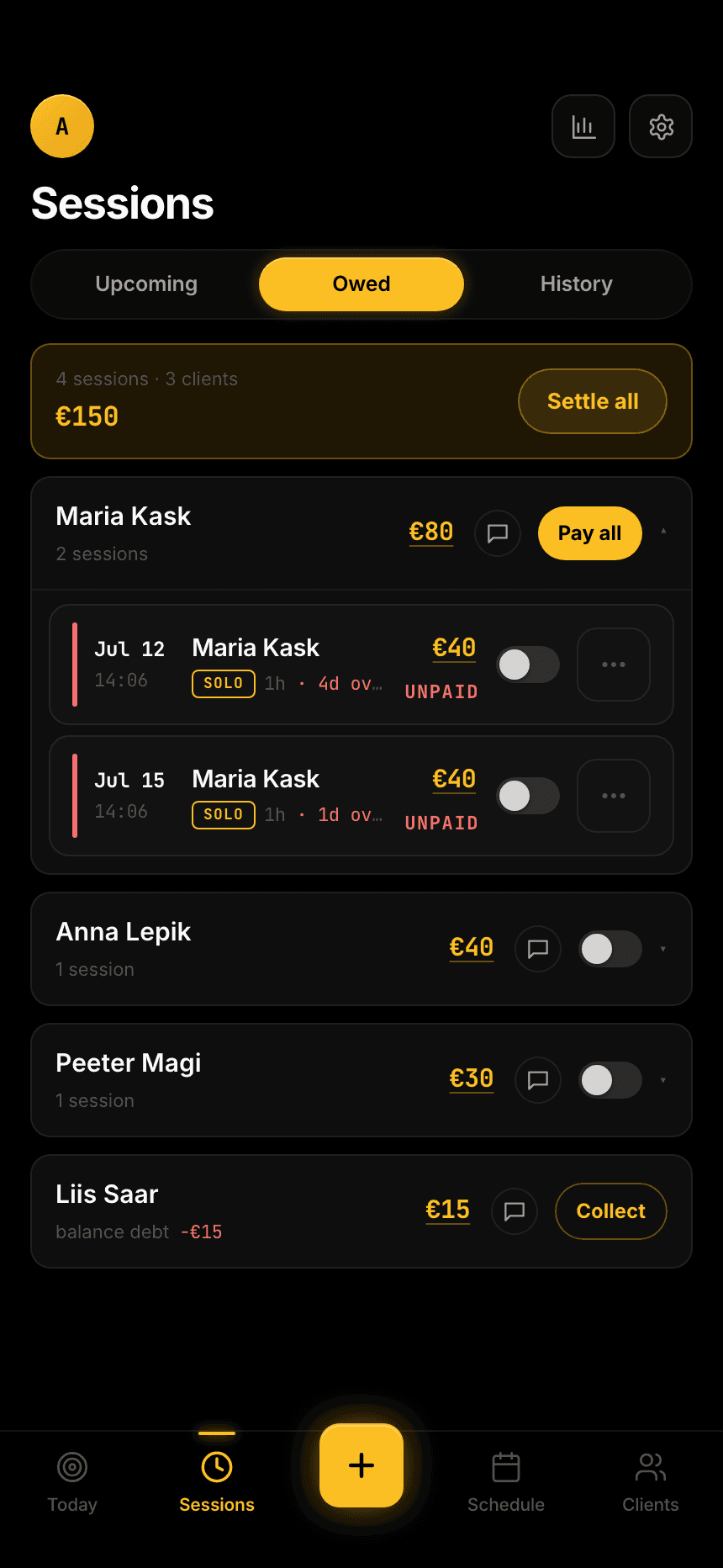
Mark a single session paid with one tap on its row — Pay applies the client's credit first, then collects the difference. Mis-taps are harmless: paid is a reversible toggle.
- Pay all settles a client completely — all unpaid sessions plus any negative balance in one move.
- Odd amounts? The manual option takes an exact figure and a use-balance toggle.
Chasing what's owed
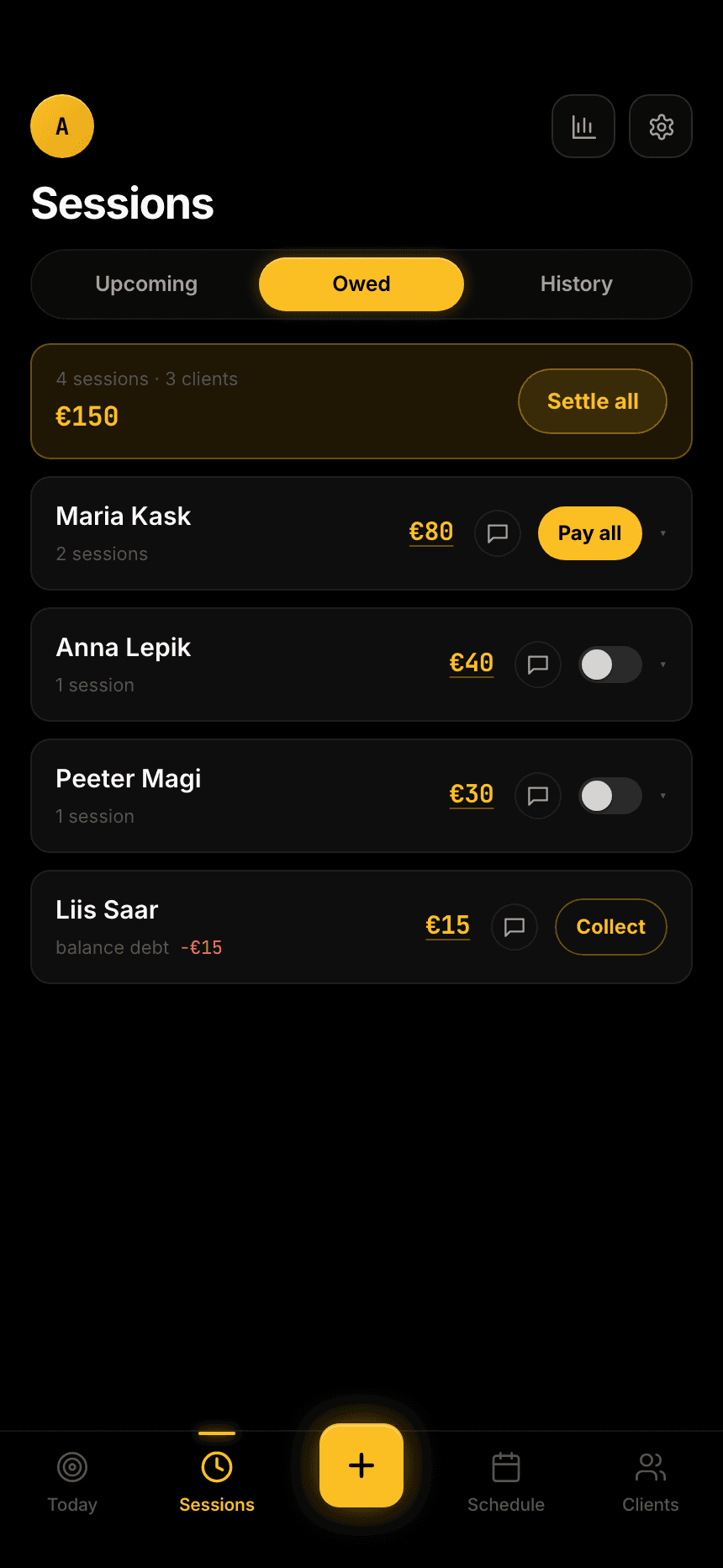
Wherever money is due — the Owed tab or the Today screen — tap Remind. CheddarCheck composes a ready-to-send message — the unpaid sessions, the total, and your payment details — and copies it for any chat app.
- WhatsApp and email are one-tap options when the client has a number or address saved.
- You review and send it yourself. The app never messages anyone on its own — it just does the typing for you.
The going-quiet radar
Keep an eye on who's drifting. Any client who hasn't trained in three weeks gets flagged on the roster — so a quiet drop-off becomes a nudge, not a lost client.
Analytics
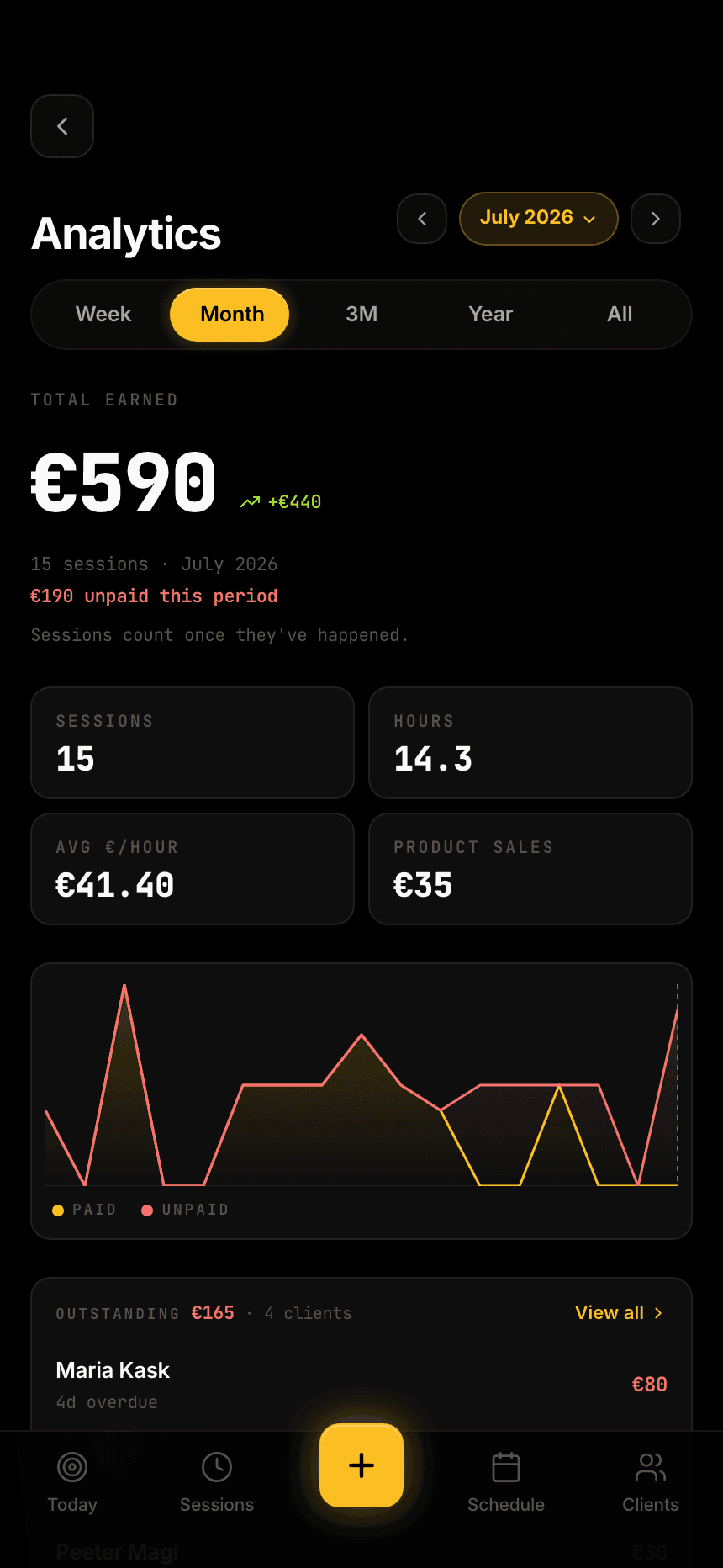
See how the business is doing without exporting anything: earned by week, month, 3 months, year or all-time, a six-month trend, a breakdown by session type, top clients and everything still outstanding.
Google Calendar sync
Connect Google Calendar in Settings to mirror your sessions there and send clients an invite. It's entirely optional and reversible — it only ever touches events CheddarCheck created, and you can disconnect at any time.
Settings & your data
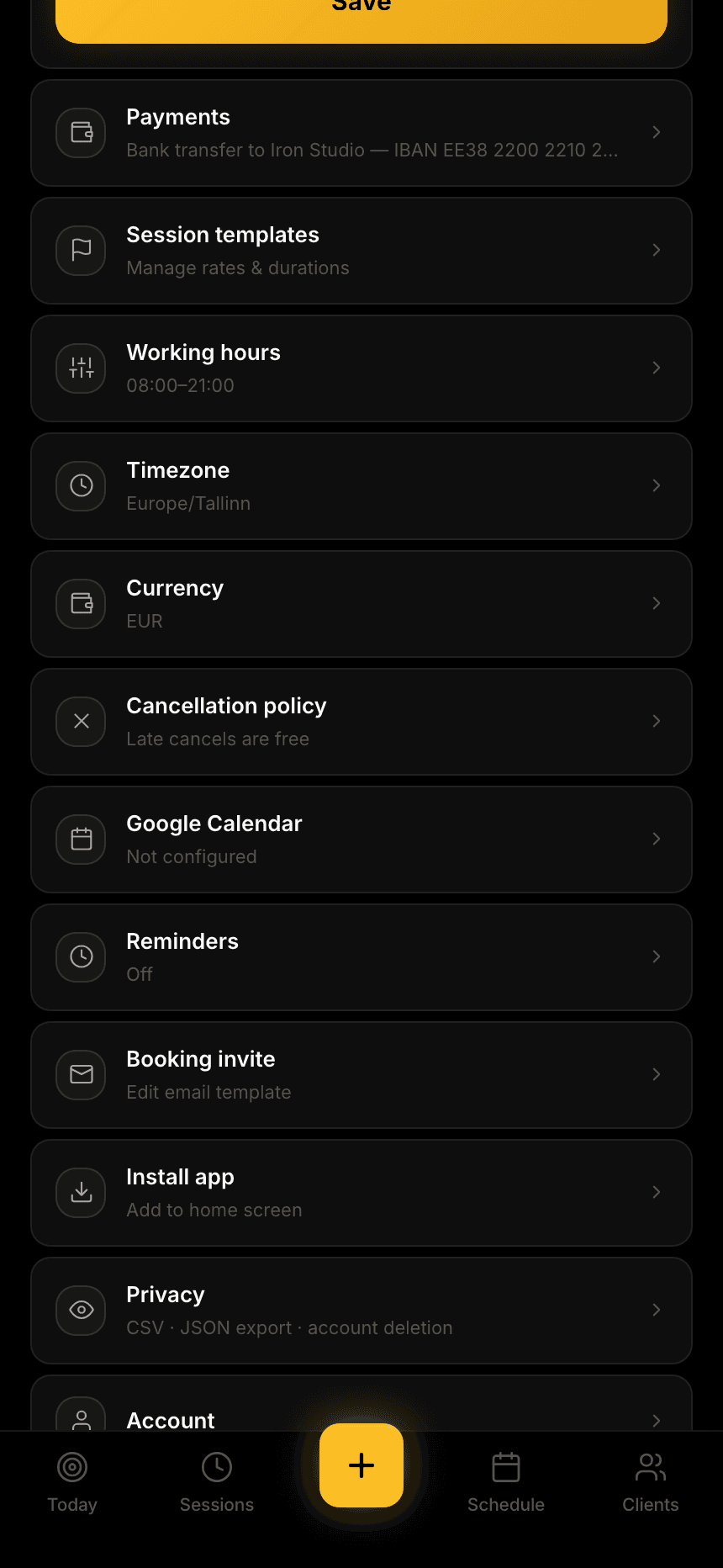
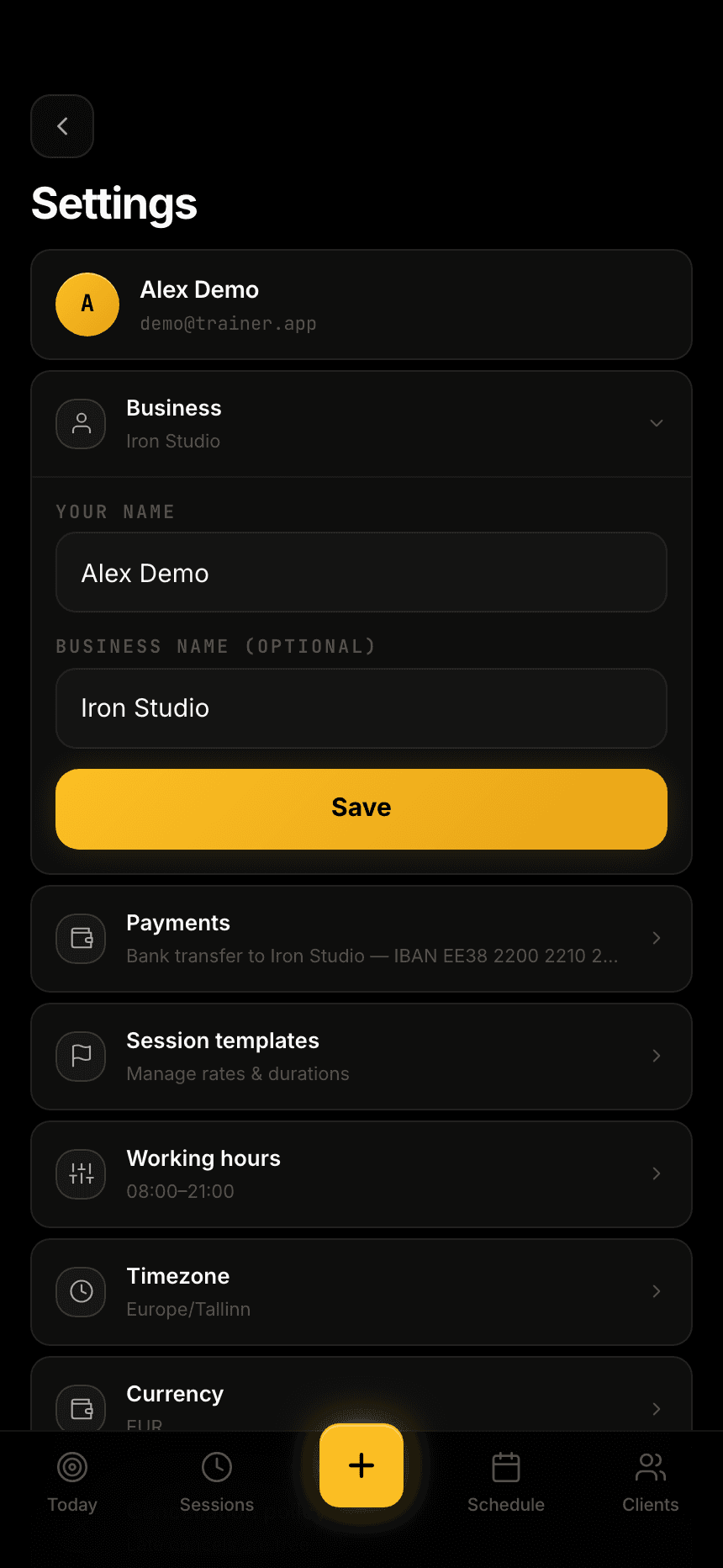
Your business name, currency, timezone, payment details, working hours and session templates all live in one place. Your data does too: export everything as CSV or a full JSON archive, or delete your account and every row it owns in one step.
Do my clients need an account?
No. CheddarCheck is just for you, the trainer. Clients never log in — you reach them through the WhatsApp or email messages you send.
Is my data private?
Yes. Each trainer's data is isolated at the database level (Postgres row-level security), so your clients and your money are visible only to you.
Can I use it like an app?
It's built mobile-first and runs in any browser. Add it to your home screen and it opens instantly like a native app — your schedule stays viewable even offline.
What does it cost?
Nothing to get going — create an account and start booking your sessions.